Marvel Rivals Performance Options: Test a Supported Change Without Losing the Baseline
An optimization announcement is not a universal fix for every device. Check its current availability and purpose, preserve the existing configuration and compare one relevant change under similar conditions.
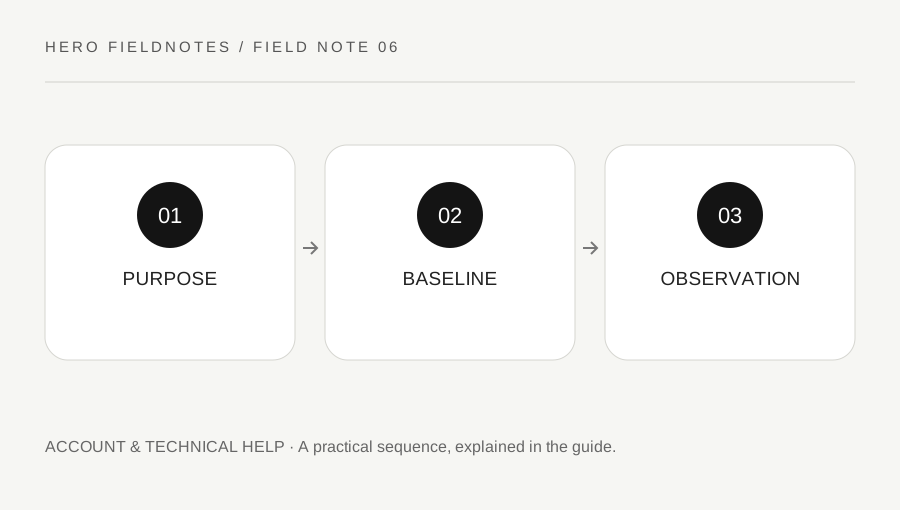
Original explanatory diagram. Examples illustrate a method or decision; they are not claims of personal testing.
Identify the actual performance symptom
Write whether the problem involves low frame rate, intermittent stutter, a crash or delayed network updates. Include platform, version and a repeatable context where possible. These symptoms do not all point to the same setting.
In March 2026, the publisher announced a PC testing option focused on CPU rendering optimization. That dated announcement explains a particular purpose and process, not a permanent guarantee that the same option is available or beneficial on every platform. Read the current official guidance and live interface before acting.
Do not use a file mirrored by an unknown site simply because it repeats the announcement's title. Supported game features and tools should come from the official process. This page does not distribute an optimizer or request access to your computer.
Preserve the starting configuration
Record the relevant graphics and performance settings before a test. Keep any required device or game conditions in view. A comparison that simultaneously changes resolution, background load, server region and a rendering option cannot isolate the cause of a different experience.
Use a repeatable low-pressure scene or task. Observe stability as well as a peak performance number. A setting can improve one measure while making visual readability or another part of the experience less suitable.
For a worked example, a player tests an officially available CPU-focused option in the same practice context, with the same display configuration. They note whether a recurring stutter changes and whether the visual result remains comfortable. They do not conclude from one won fight that the option caused a competitive improvement.
Read permissions and support instructions
If the current official process includes a diagnostic download, agreement or restart, read it before proceeding. Understand the stated purpose and submission route. Do not assume every tool named in an old guide is still the recommended current step.
Keep account credentials and unrelated personal information out of support material. Review any logs before sharing through the official route. A person offering an instant fix in a private message is not automatically part of the publisher's support team.
Avoid disabling protections or applying a large unknown configuration to chase a promised frame-rate number. A useful step has a clear relationship to the symptom and an understood recovery path. If you cannot explain what it changes, return to official guidance before making the setup more complicated.
Compare and retain deliberately
After the test, record the observed result and restore any experimental change that did not help or created a worse tradeoff. Keep the original symptom as the question rather than trying to maximize every counter at once.
If the issue remains, prepare platform, version, context and steps tried for official support. Distinguish a repeatable technical problem from a difficult match or unfamiliar hero control. That separation makes the report easier to investigate.
Finish with option, purpose and observed tradeoff. Performance work is useful when it leaves a more stable and understood setup. A dated optimization announcement should lead to a current verified process, not an assumption that every reader needs the same tool or that one setting guarantees smooth play under all future updates.
Write down the display resolution and whether the frame-rate limit was active. Otherwise, a later comparison may confuse a changed rendering workload with an improvement caused by the option under examination.
A practical checklist
Choices are saved in this browser. Reset them here or clear this site’s browser storage.
Questions that come up
Does the March 2026 option apply automatically to every platform?
No. Read the current official instructions. The announcement concerned a particular PC testing process.
Does this page provide an optimizer download?
No. Use only the publisher’s current supported route if an applicable tool is available.
Does one clean match prove a permanent fix?
No. Compare relevant conditions and keep a concise record for persistent issues.
References & scope
Background references checked on 18 October 2026. Worked examples and diagrams are original teaching material.